$20.00 Original price was: $20.00.$7.00Current price is: $7.00.
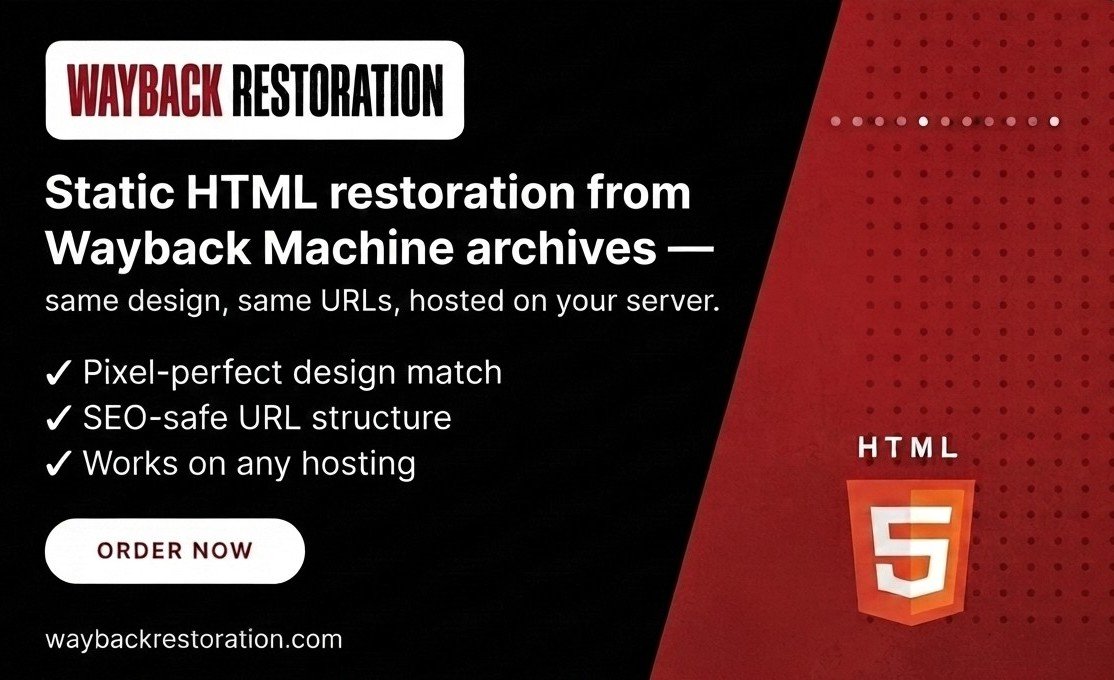
Static HTML restoration from Wayback Machine archives — same design, same URLs, hosted on your server.
✓ Pixel-perfect design match
✓ SEO-safe URL structure
✓ Works on any hosting
HTML website restoration brings a lost website back online as a clean, self-hosted static site rebuilt from its Internet Archive (Wayback Machine) snapshots. Whether your site disappeared because of an expired domain, a hosting failure, or an accidental deletion, we turn the archived copy into real HTML files that you own and can upload to any host.
Browsing an old site through the Wayback Machine means slow loading, injected toolbars, and broken assets. The restored version is different. Every page, image, stylesheet, and script is downloaded, repaired, and reassembled, so your site loads from your own hosting and behaves as if it never went offline.
It is the fastest and most affordable way to recover an old website: no CMS to learn, no plugins to maintain, and no database to manage. The price is a flat $7 per website.
HTML restoration suits business brochure sites, portfolios, blogs, and informational websites. It is a strong fit if you need to recover a website after hosting expired or recover content from an expired domain. If you want a content management system for easy editing, choose Basic WordPress Restoration instead.
We restore everything the Wayback Machine captured: the pages, images, styles, and scripts that visitors could see. Features that depend on a server or database, such as login areas, site search, and checkout, are not stored in the archive and cannot be restored as static HTML. If a page or file was never archived, it cannot be recovered.
Many SEO professionals and domain investors buy expired domains and want the original content back online. We restore archived pages from the Wayback Machine so an expired domain can be relaunched with its original structure, text and images instead of an empty site.
Search engines have their own policies on link schemes, and results depend on the domain, its history and how you use it. We restore the content only and make no ranking promises. Restoring several domains? Contact us to discuss your project.
Yes. We rebuild the archived content of an expired domain from the Wayback Machine so you have a complete site to publish. We do not guarantee rankings or link value, and you are responsible for how the restored site is used.
HTML website restoration recovers your site from its Internet Archive (Wayback Machine) snapshots and rebuilds it as a static website made of plain HTML, CSS, JavaScript, and image files. You host those files yourself, so the site loads from your own server instead of from the archive.
The price is a flat $7 per website, with no hidden fees and no hourly billing. See our website restoration cost guide for how this compares with other recovery options.
Most small sites are delivered within a few business days. Sites with hundreds of pages take longer because every page and asset is retrieved and checked.
You only need the Wayback Machine link or links for your site, entered one per line on the order page. If you are not sure which snapshot is best, read our guide to recovering a deleted website from the Wayback Machine or contact us before ordering.
We aim for a pixel-accurate match of the layout, fonts, colors, and images as they appear in the archive. If the archive is missing a file, that part of the page may be incomplete, which is a limit of the archived copy itself. See why snapshots sometimes look broken in our guide on Wayback Machine not showing your website.
Yes, your original page paths are kept intact so existing backlinks continue to point to working pages. No one can guarantee search rankings, but keeping the original structure gives search engines and backlinks the best chance to match your old pages again. Our expired domain SEO guide explains more.
The Wayback Machine stores what visitors could see, not what ran on your server. Databases, user accounts, admin panels, search, checkout, and other server-side features are not in the archive, so they cannot be restored as static HTML. If you need an editable site, choose Basic WordPress Restoration instead.
Anywhere. The finished site works on shared hosting, cPanel, a VPS, cloud storage, or any static host, because it needs no database or special software.
You should only restore a site that you own or have the rights to publish. This is general information, not legal advice. Read our guide: Is it legal to restore a website from the Wayback Machine?
HTML restoration ($7) delivers a fast, maintenance-free static site. Basic WordPress restoration ($37) rebuilds the site inside WordPress so you can manage content from an admin dashboard.
Ready to bring your site back? Place your order or contact us with questions. Compare costs in our website restoration cost guide or read our FAQ.
We use cookies to improve your experience on our site. By using our site, you consent to cookies.
Manage your cookie preferences below:
Essential cookies enable basic functions and are necessary for the proper function of the website.
These cookies are needed for adding comments on this website.
Statistics cookies collect information anonymously. This information helps us understand how visitors use our website.
Google Analytics is a powerful tool that tracks and analyzes website traffic for informed marketing decisions.
Service URL: policies.google.com (opens in a new window)
SourceBuster is used by WooCommerce for order attribution based on user source.
You can find more information in our Cookie Policy and Privacy Policy.